Upload your footage
Add overlapping footage of the same place to one project.
GAUSSIAN SPLATTING IN THE CLOUD
Convert drone footage into interactive 3D Gaussian Splats.
Upload your footage. We process it in the cloud. Explore the model in your browser and download the result.
FOR ARCHITECTURAL VISUALISATION
Upload drone videos and generate detailed 3D models directly in your browser. Gaussian Splatting for architects, visualization studios and drone operators who want to capture existing buildings and landscapes. Explore the result in 3D, align it to a reference and download a Gaussian Splat PLY for your workflow.
Match points in the splat and the map or FBX model. Calculate scale, rotation and position, save the alignment and export without retraining.
GAUSSIAN SPLAT + REFERENCEBlue buildings show the reference model used for alignment.Drone footage and scanning: Luxe.no ↗
Pick the same points in the splat and the reference. One click calculates scale, rotation and position, and the model settles onto your project’s 3D model.
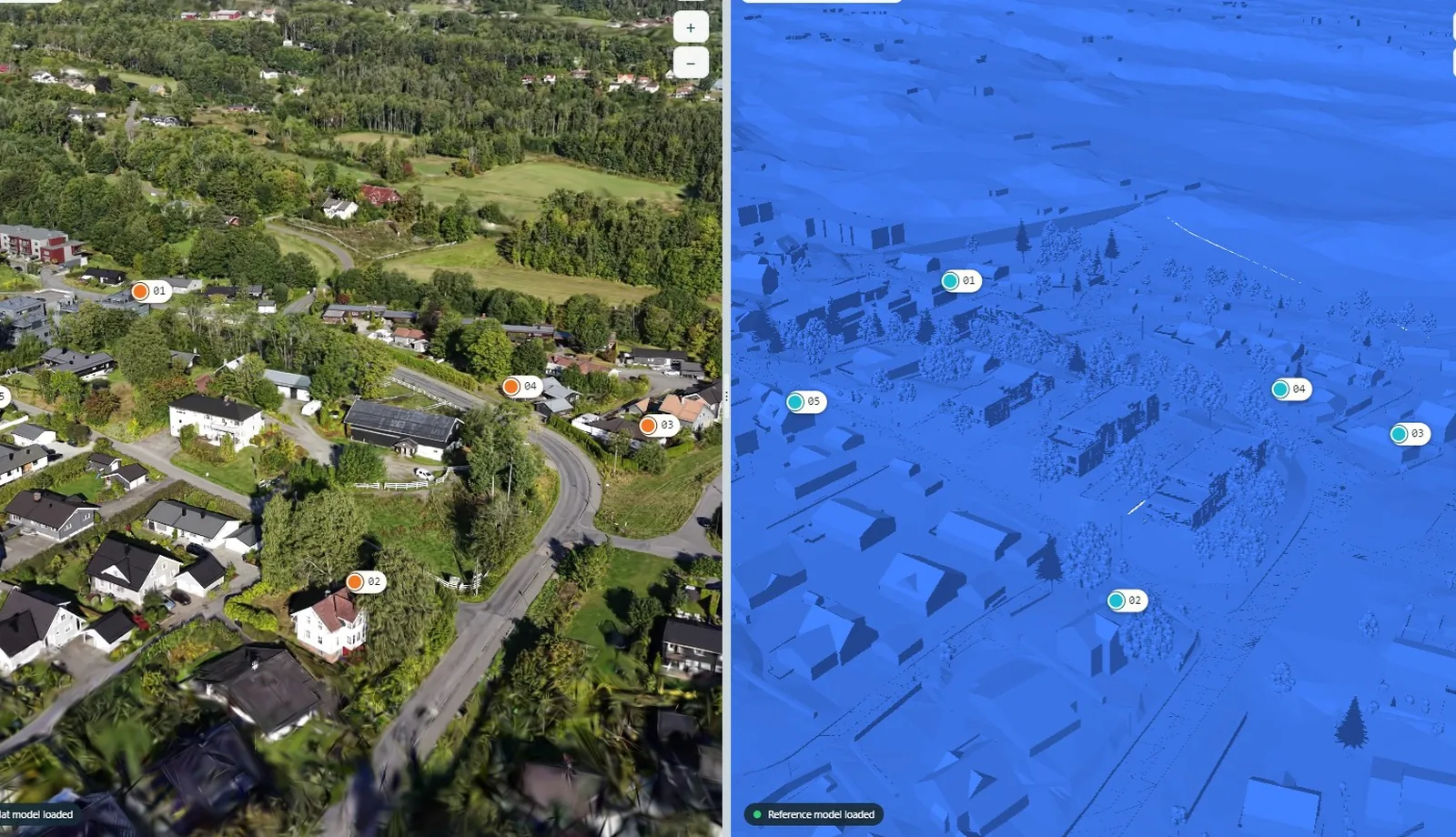
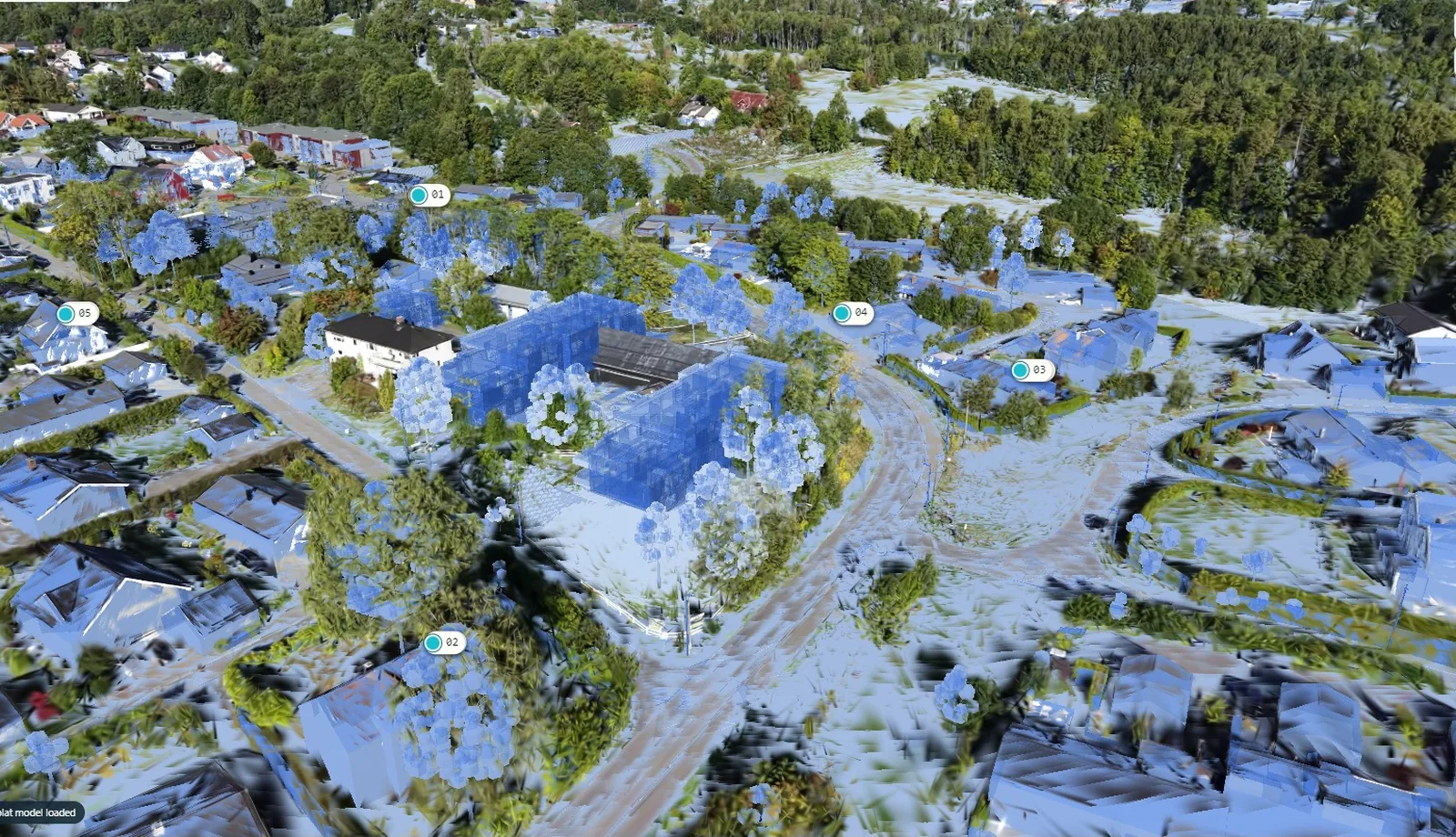
DÆLILUNDENBlue buildings and terrain are the reference model from the project. The images show the point pairs before calculation and the splat laid over the reference afterwards.
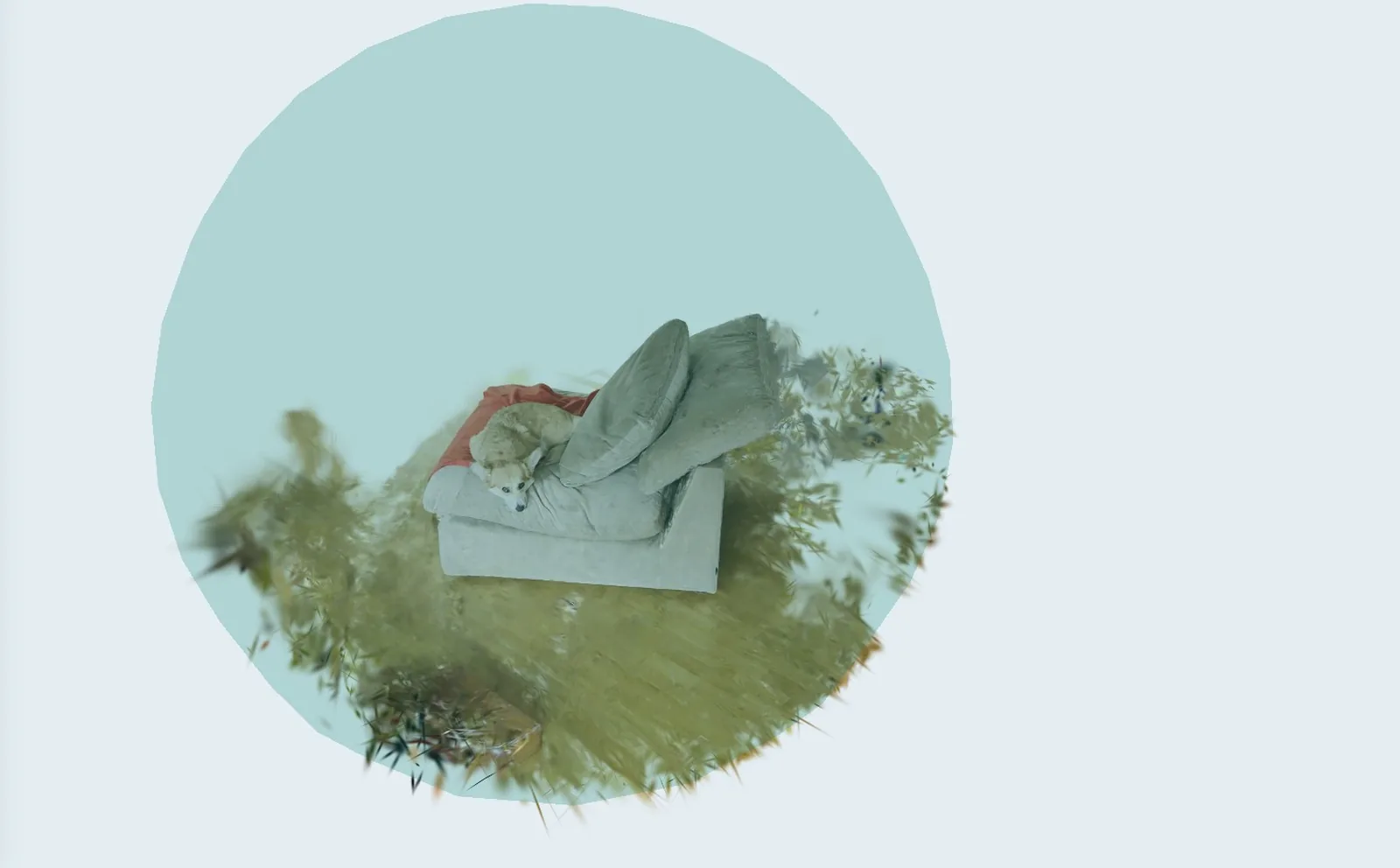
Use the focus sphere, brush and erase controls to clean up your model right in the browser. Remove stray splats and unwanted areas, refine your selection and undo when needed. No retraining.
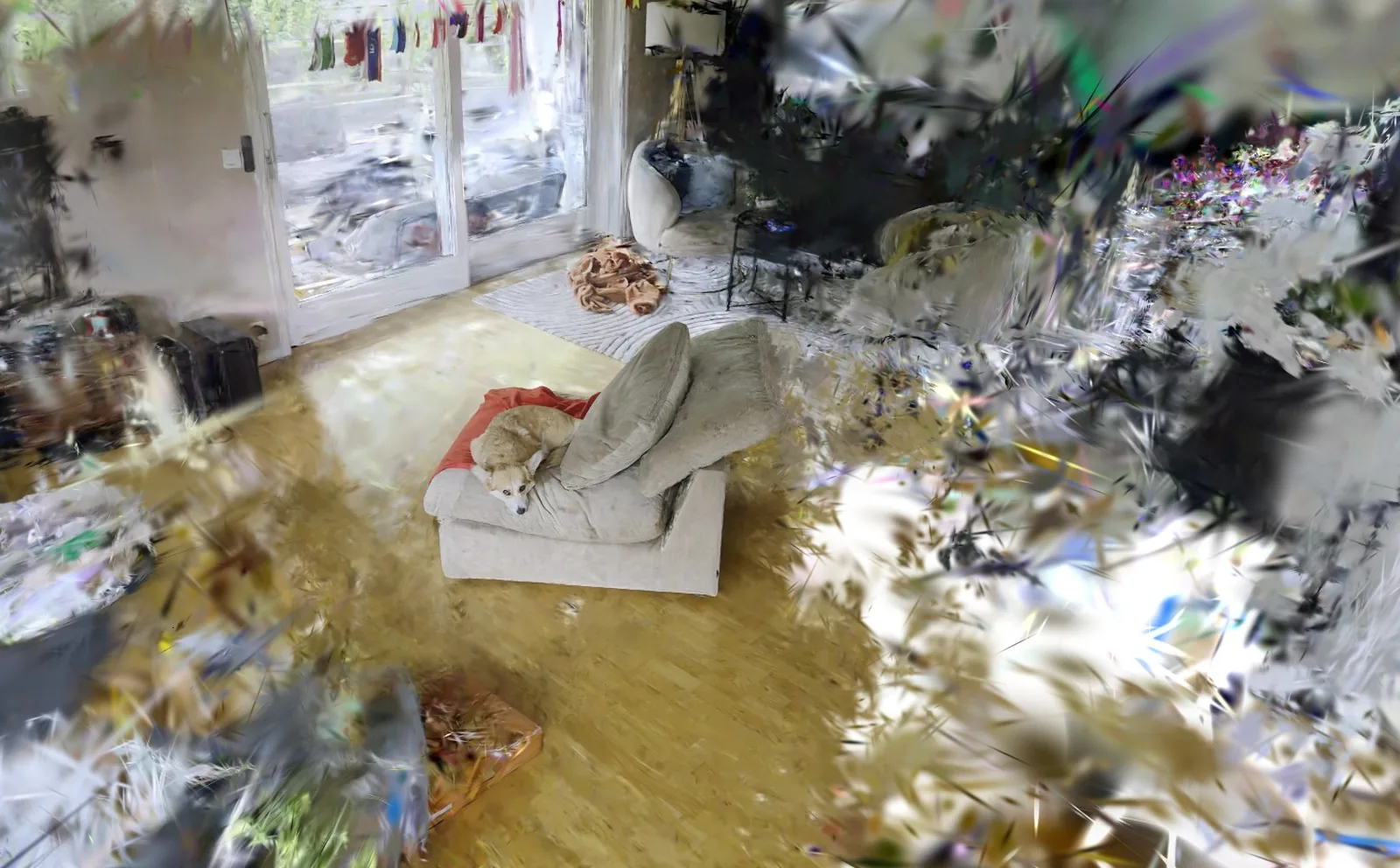
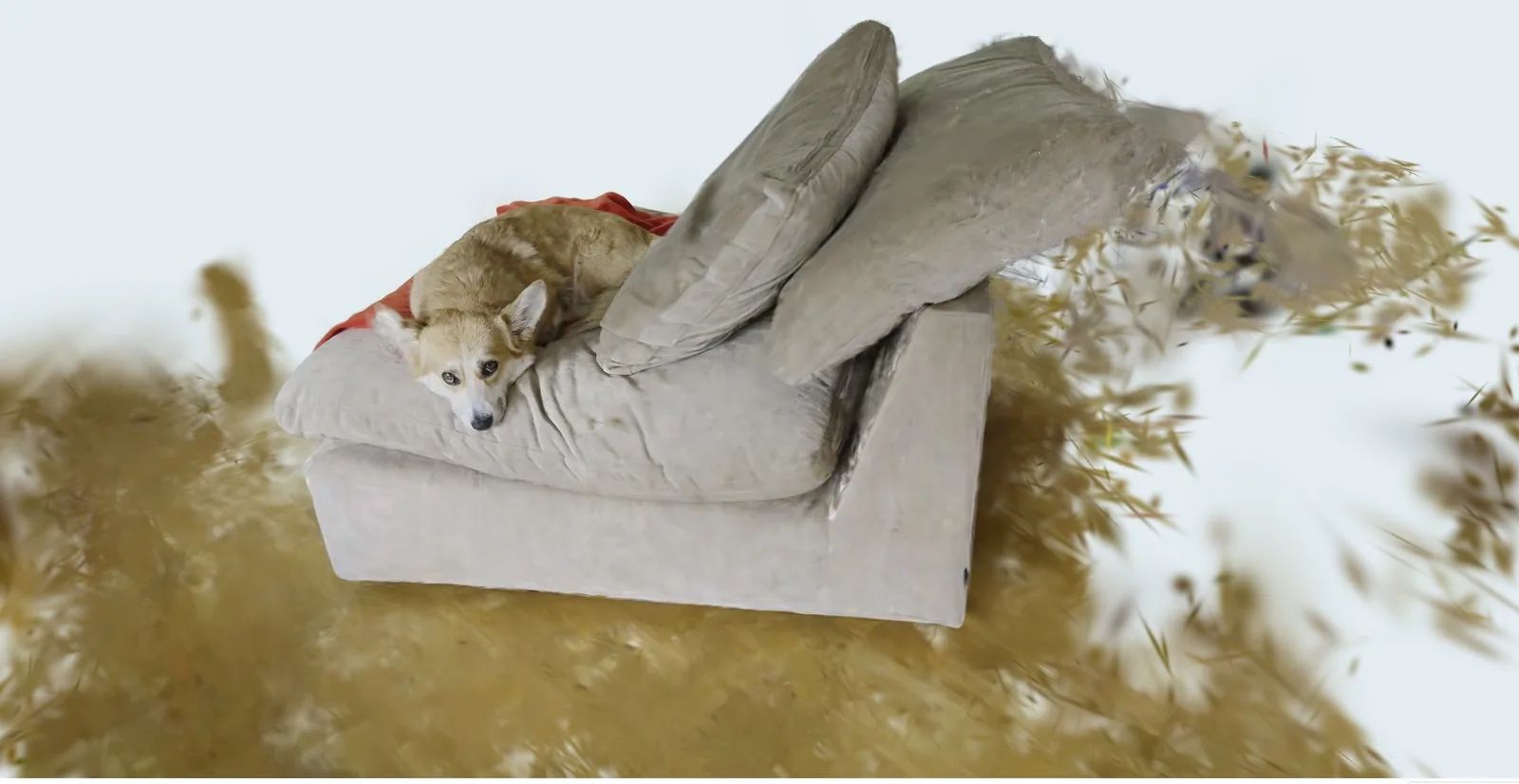
Record with a 360 camera and capture the whole place in a single pass. Every frame is split into six camera views that cover the full sphere, so facades, ground and everything you walked past end up in the same model. Upload the equirectangular file and the portal recognises the format by itself.
DroneSplatter detects and masks the sky in your footage during processing. This can reduce unwanted splats in the sky and make it easier to use your own sky in the 3D project.
Add overlapping footage of the same place to one project.
Choose a quality level and start cloud processing. Follow the progress as your footage becomes a 3D model.
Open the model in your browser, align it if needed and download the PLY. Share a link so others can explore the result without an account.
Create an account and verify your email. Generate five Gaussian Splats at Preview quality. Viewing, alignment, sharing and downloads are included.
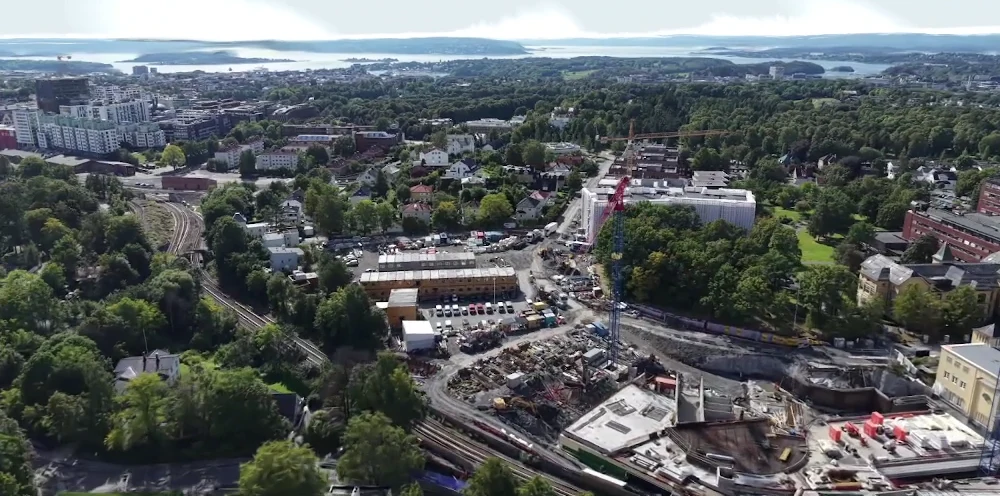
Create an account and verify your email to generate five free Gaussian Splats.
Log in / Create account ↗